
Live Guide
The guide speaks softly, the whole group hears.
Even a few steps away, even at a crowded sight, you will not miss a word. All you need is a phone and earphones: the group's audio reaches everyone quietly through the tour's WiFi device, and the agency can also listen remotely from its console.
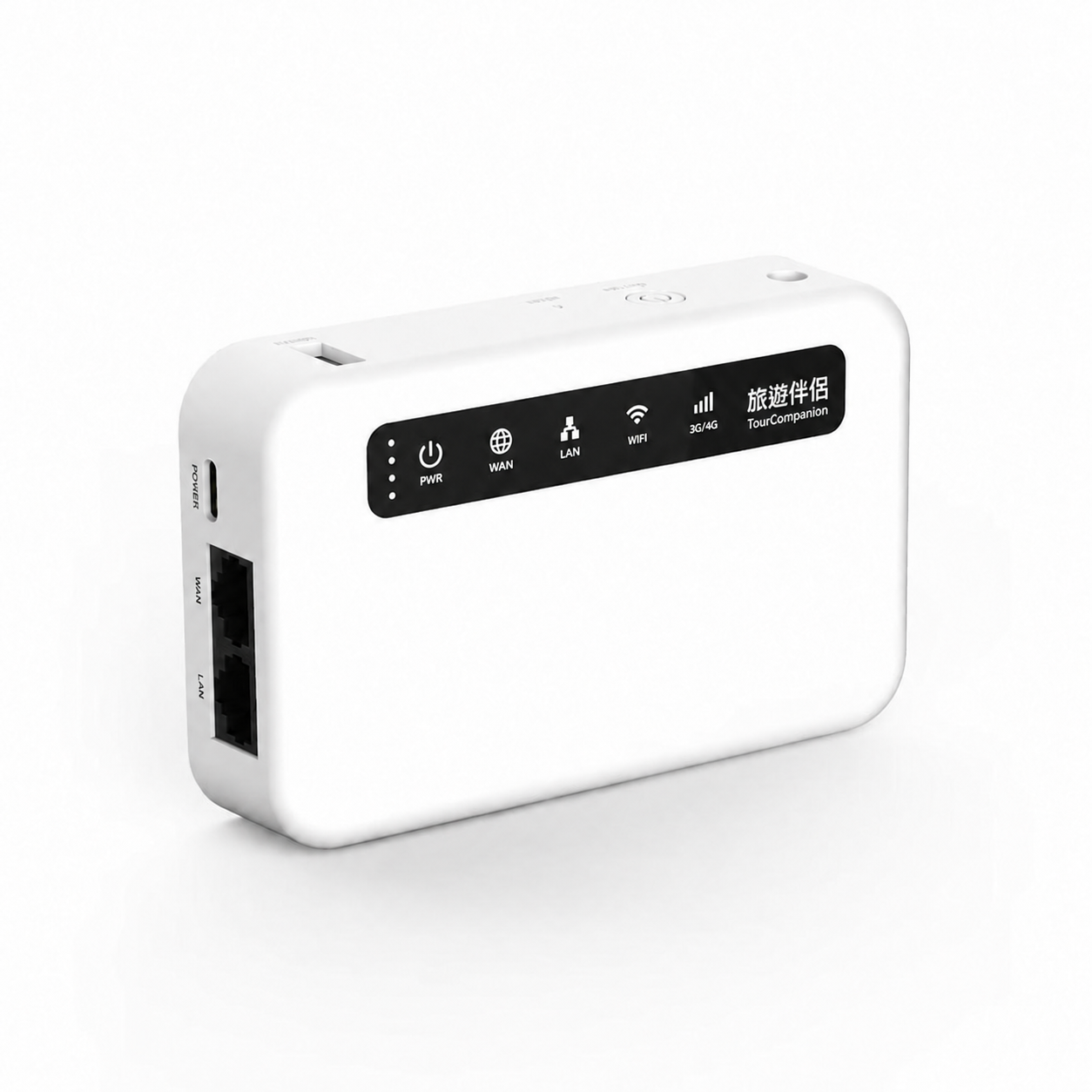 WiFi devicePrivate WiFi
Three roles
One commentary, three points of view.
Traveler
Listen on your own phone and earphones, with volume and speaker under your control.
Guide
Play, pause, microphone and end commentary, all on one screen.
- Remote listeningKyoto Arashiyama 5-day tourListening · Example screen
Agency
Listen to the live commentary from the console, see how the group is doing and support in time.
- Guide speaking
- Travelers listening
- Agency listening remotely
Use cases
Wherever there is a guide, it works.
- City walks
Hear clearly even on a noisy street.
- Heritage sites and sights
Soft commentary that does not disturb other visitors.
- Coast and boats
No missed words in wind and engine noise.
- Seniors and families
Set your own volume and listen at your pace.
These are suggested use cases. Test distance, interference and group size on site first.
Start in three steps
Your first time, step by step.
This is a quick entry point. The full explanation, tips and limits of every step are in the Learning Center tutorials.
Get the QR from your guide
The guide shows the current listening QR on site.
Tap “Scan QR code”
Scan in the App and, when the phone asks, confirm the tour WiFi connection.
Tap “Listen”
After joining, put on your earphones and check that the speaker is on.
The path of the sound
From the guide's phone to your earphones.
Commentary travels over the private WiFi the WiFi device creates; live commentary does not depend on an outside network.
- Guide's phone
- WiFi device
- Traveler's phone
- Earphones
A guide's first activation and personal account sign-in still need internet. WiFi showing “No Internet” does not mean a wrong connection.
About the WiFi device →Play, microphone, speaker
A pace for the guide, a choice for the listener.
Play and Pause
The guide starts, pauses, or resumes this commentary; pausing is not ending.
Microphone control
The guide can mute the microphone. When muted, the commentary session has not necessarily ended.
Traveler speaker control
Travelers control playback on their own phones; turning off the speaker does not mean leaving this commentary.
This commentary and the whole tour
After the guide ends this commentary, travelers can keep the tour and wait for the next one; “Leave Tour” has a separate effect.
Learning Center
Your first time, step by step.
Complete tutorials, troubleshooting and FAQ live in the Learning Center.
Take Tour Companion
and set off slowly.
Works on iPhone and Android.
Photos are illustrative brand scenery, not real photographs. Trips and names shown are examples.